
KSeF FA(3) invoicing with KPiR ledger — offline on Mac
KSeF invoicing app for JDG and sp. z o.o. — works offline
Running a business is difficult enough without struggling through accounting software and government portals.
VoxFaktura is for anyone running a sole proprietorship (JDG), and for chief accountants at a spółka z o.o. Issue invoices, organise the records, and keep the books with less effort and less frustration.
Issue Polish KSeF structured invoices FA(3): the app validates each invoice locally against the official Ministry of Finance schema (FA(3) v1-0E) before submission, then returns the KSeF number, the UPO, and a verification QR code embedded in the PDF. Add the KPiR ledger with official-layout CSV export, EUR invoices at NBP table A rates, a two-page Polish-and-English PDF, and dictation of invoice fields by voice.
Built for the Polish market: invoicing, bookkeeping (KPiR), and company documents in one practical place. The KSeF token is stored in the macOS keychain and revealed only after Touch ID; you confirm your ZAW-FA filing once, before the first submission. GDPR: records stay on the device unless you send them. Designed against WCAG 2.2 AA criteria; conformance testing is ongoing.
VoxFaktura v1.3 was tested across the iPhone 11 through iPhone 17 model range in Claude’s simulator. Real-device testing was done on an iPhone 11 Pro and an iPhone 17e, plus MacBook Pro, MacBook Air, and iPad.
Less time on administration. More time running the business.
There is no server to breach
Cloud invoicing services keep thousands of firms' invoices, contractors, and amounts in one database — a single vulnerability exposes everyone at once. VoxFaktura has no such database.
- Invoices, KPiR, and settings live in a database file on your Mac or iPhone. We hold no copy — there is nothing of yours on our servers to steal.
- The KSeF token never leaves the macOS keychain. No stored passwords, no session IDs, no API keys sit on any server.
- No bank connection: the app never pulls balances or account numbers.
- PDFs are generated on your device. An invoice leaves only when you press Send in your own Mail app.
Mac, iPad, and iPhone
Private beta Ask about access. Nothing is sent until you choose to write.
Frequently asked questions
Can I issue an invoice without internet?
Yes. The invoice is marked offline-pending and the app shows the legal deadline: submission by the end of the next business day (art. 106na of the Polish VAT Act). You send it once you are back online.
Will my invoice pass KSeF FA(3) validation?
Before any submission the app validates the invoice locally against the official Ministry of Finance XSD schema, FA(3) v1-0E. After approval you receive the KSeF number, the UPO confirmation, and a verification QR code embedded in the PDF.
Does VoxFaktura keep the KPiR ledger?
Yes. Submitted invoices flow into the revenue-and-expense ledger with monthly summaries, and you can export the whole year as a CSV in the official layout for your accountant.
What about ZAW-FA?
You file ZAW-FA yourself at the tax office — it authorises your representative for KSeF API access. In VoxFaktura you record the filing date and the representative once, which unlocks submission.
Where is my data? Is there a cloud?
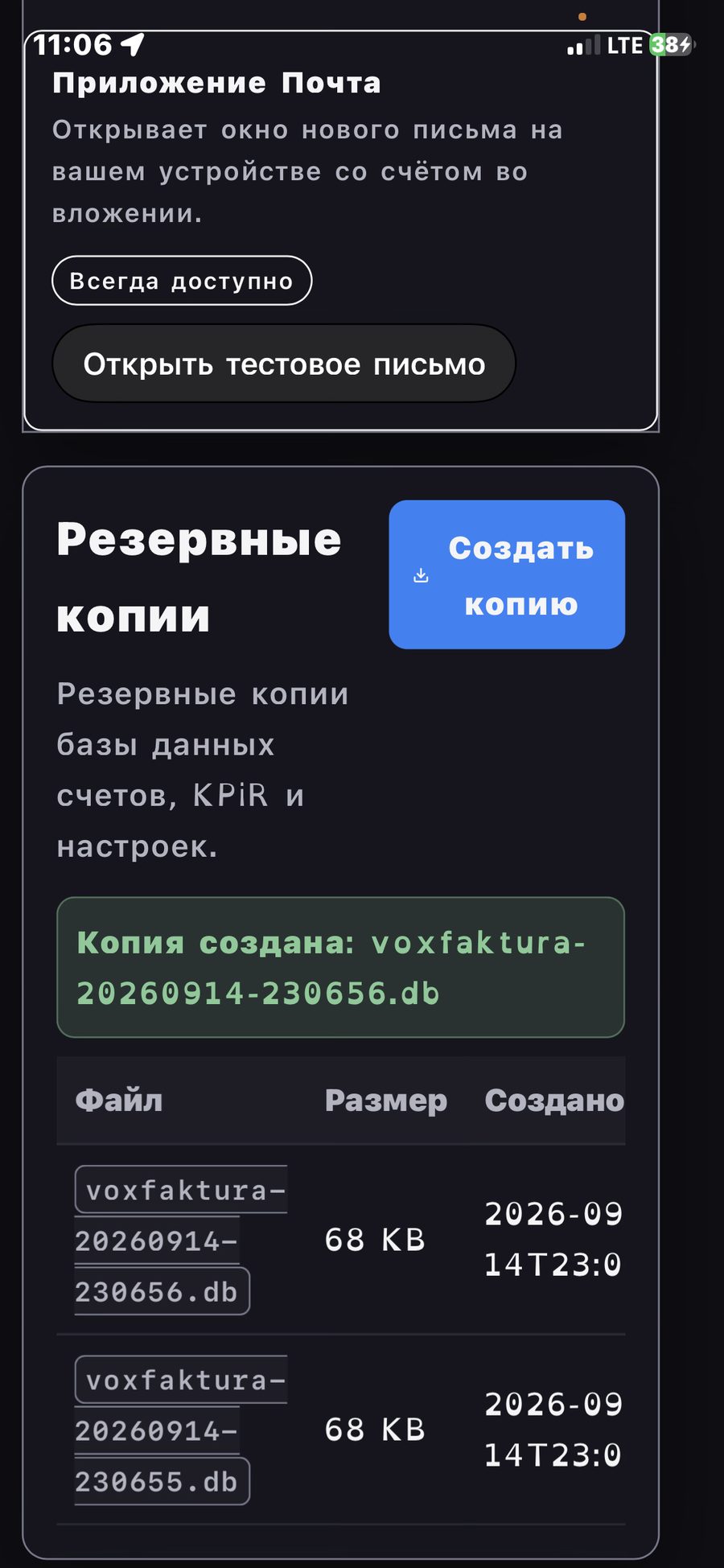
No cloud. The KSeF token sits in the macOS keychain and is shown only after Touch ID. Invoices and the KPiR database live on your device; backups are plain files you control.
Can I invoice in EUR?
Yes. The app fetches the NBP table A rate for the invoice date (art. 31a of the VAT Act), converts the PLN equivalent, and generates a two-page PDF: page one Polish, page two English, each with the KSeF QR code.
Could my invoices leak from your server?
There is no server holding your invoices. Your database is a local file on your Mac or iPhone, protected by your device passcode and FileVault. When a cloud invoicing service is breached, thousands of firms leak at once; with local-first software an attacker must target your device individually. Your part of the deal: turn on FileVault and lock your Mac.